



Reading an offer
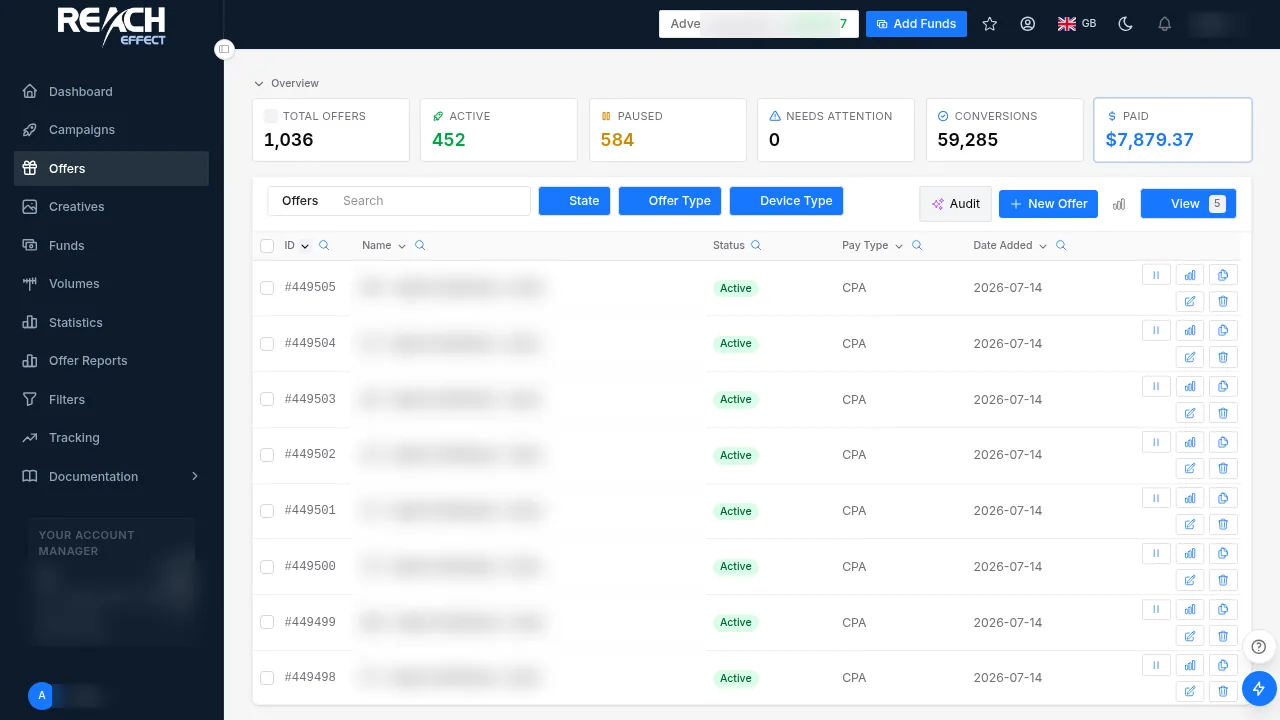
| Column | Meaning |
|---|---|
| Name and ID | Shown as #id — name · country in pickers so similar offers can be told apart |
| Pay type | CPA, CPL, CPI or CPS, and the payout per conversion; some offers pay a RevShare percentage of the reported amount instead |
| Countries | The GEOs the offer accepts; traffic from other GEOs does not convert |
| Category | The vertical: iGaming, dating, finance, sweepstakes, gaming, utilities, nutra, crypto, forex, webcams and others |
| Status | Active, Paused, Stopped or Complete (cap reached) |
| Failover | Another offer traffic is routed to when this one caps or stops |
Filtering
Use the search box and the category and country filters above the list. When a filter narrows the list to a single value, that column hides itself to keep the table clean. Per-country payouts apply automatically at conversion time; there is nothing to configure.
Promoting an offer
- Open Tracking Links and pick the offer. One offer makes a direct link; two or more make a smartlink that routes each visitor to the best-matching, best-earning offer by GEO and device.
- Pick the traffic source you are buying from, so the right conversion forwarding fires later.
- Copy the generated URL into your ad platform, or into a Reacheffect campaign as the destination URL.
Getting paid
Affiliate earnings are paid weekly once they reach $100, by USDT (TRC20), Bitcoin, PayPal, Payoneer, Capitalist or wire transfer; the payouts article covers the setup. Open the CPA network page for the verticals and models.
Full guide inside your account. Every option on this page, with screenshots of each screen, is documented in the platform under Documentation → Offers after you log in.
Questions: [email protected]Next: Tracking links →